
In short: Academic work involves more than attending classes and completing assignments. Students often need to research reliable sources, write clear paragraphs, format citations, solve equations, and proofread their work before submission. Handling every task manually can take
This is an editorial comparison, not an official UPSC, NLU or government ranking. How we select and verify institutes: How we rank coaching institutes.
Academic work involves more than attending classes and completing assignments. Students often need to research reliable sources, write clear paragraphs, format citations, solve equations, and proofread their work before submission.
Handling every task manually can take time, particularly when deadlines are approaching. Fortunately, several free online tools can make everyday academic tasks more manageable without requiring expensive software.
Some help improve writing, while others support research, referencing, mathematics, and grammar checking.
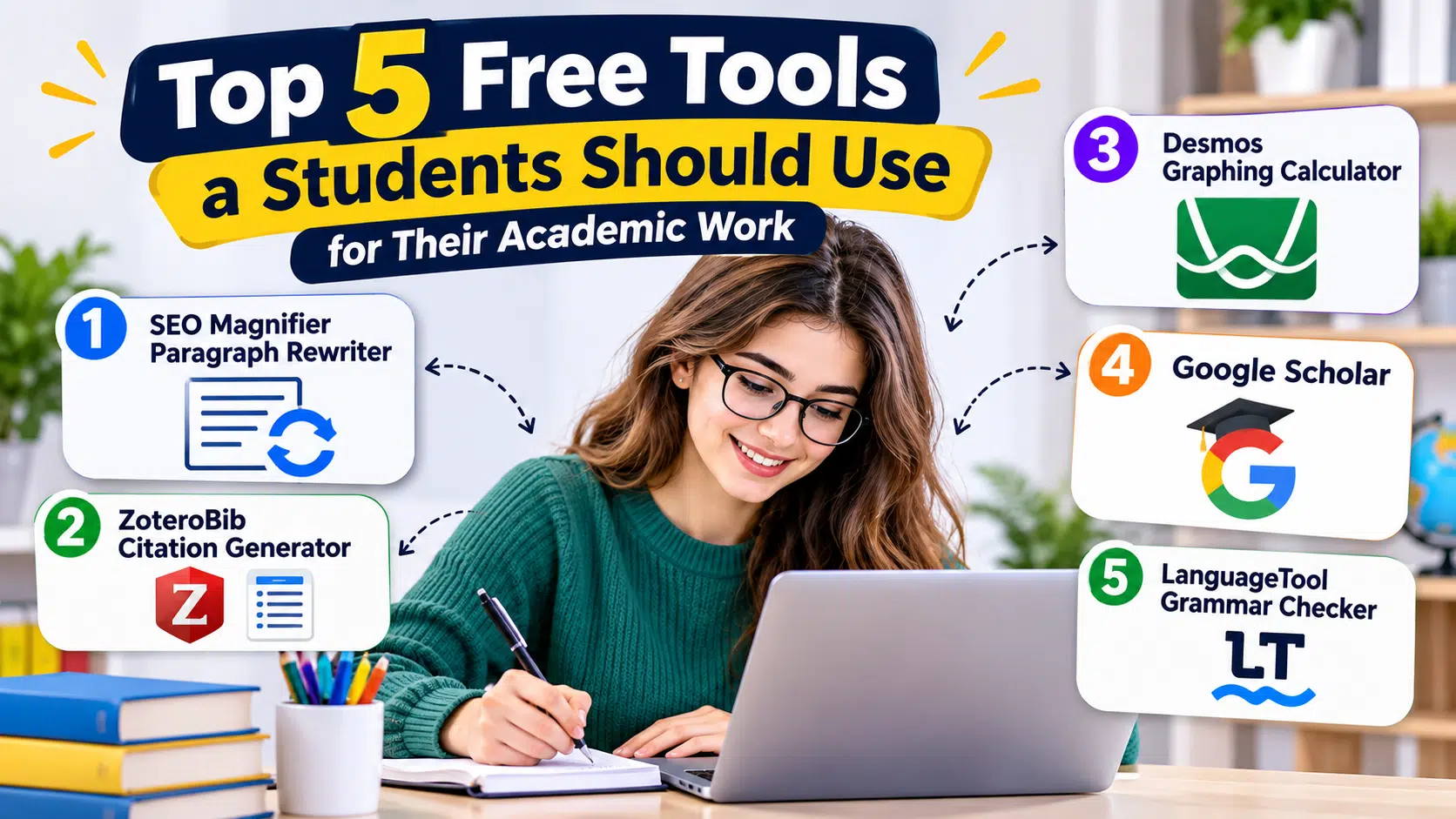
In this article, we explore five useful free tools for students: SEO Magnifier Paragraph Rewriter, ZoteroBib, Desmos Graphing Calculator, Google Scholar, and LanguageTool.
Each offers practical features for different study needs, along with limitations worth understanding before incorporating it into your academic routine throughout the school or university year.
1. SEO Magnifier Paragraph Rewriter
Writing clear and meaningful paragraphs is an important part of academic work, especially when preparing essays, research papers, and assignments. The SEO Magnifier Paragraph Rewriter is a free online AI paragraph rewriting tool that helps students rephrase sentences and improve their writing while aiming to maintain the original meaning.
Whether you’re revising a difficult paragraph, improving sentence flow, or reducing repetitive wording, this tool provides alternative phrasing that students can review and adjust.
Simply paste your paragraph into the text box, select your preferred language, and click “Rewrite Paragraph Now.” The tool processes the content and suggests rewritten text, allowing you to review word replacements and make further adjustments.
It also supports multiple languages and provides options to download rewritten content in TXT or HTML format. A plagiarism-checking option is available for reviewing the revised text.
However, automated rewriting may occasionally change the intended meaning or introduce awkward wording.
Students should review the results carefully, acknowledge original sources, and follow academic integrity guidelines rather than submitting automatically rewritten content without checking it.
Pros
- Free online paragraph rewriting
- Supports multiple languages
- Provides word replacement suggestions
- Offers text downloading options
- Helpful for improving paragraph clarity
Cons
- May change the original meaning
- Requires manual proofreading
2. ZoteroBib Citation Generator
Citing sources correctly is an important part of academic writing, especially when students prepare research papers, essays, and university assignments. The ZoteroBib Citation Generator is a free online bibliography maker that helps students create references and citations without manually formatting every source.
Whether you’re referencing books, research articles, academic journals, or websites, this tool simplifies the citation process by organizing source information into a consistent format.
Simply enter a website URL, book ISBN, article DOI, or source title into the search box and click “Cite.” The tool retrieves available publication details and generates a reference. Students can choose from thousands of citation styles, including APA, MLA, and Chicago, and copy the formatted references into their assignments.
It also allows users to create in-text citations and download bibliographies without registering or installing additional software. Its straightforward interface is particularly helpful for students working on research projects involving multiple sources.
However, automatically generated citations may occasionally contain missing or incorrect information. Students should check author names, publication dates, and formatting against their institution’s citation guidelines before submitting academic work.
Pros
- Completely free citation generator
- Supports thousands of citation styles
- Creates in-text citations and bibliographies
- No registration or installation required
- Useful for academic research papers
Cons
- Citation details may require manual corrections
- Limited advanced reference management features
3. Desmos Graphing Calculator
Understanding mathematical equations and graphs can be challenging, especially when students work with algebra, geometry, and advanced mathematics. The Desmos Graphing Calculator is a free online math tool that helps students visualize equations, plot graphs, and explore mathematical functions without requiring expensive graphing software.
Whether you’re solving algebra problems, preparing mathematics assignments, or studying how different equations behave, this tool makes complex mathematical concepts easier to understand.
Simply open the calculator, enter an equation such as y = x², and the tool instantly displays its graph. Students can plot multiple equations, create tables of values, and identify important points, including intersections and intercepts.
It also includes interactive sliders that allow users to change variables and observe how graphs respond. This feature is particularly helpful for understanding mathematical relationships and checking homework calculations.
However, students should understand the formulas and mathematical concepts behind their results rather than relying entirely on visual graphs. Some advanced features may also require practice for beginners.
Pros
- Completely free online graphing calculator
- Supports multiple equations and functions
- Interactive graphs and adjustable sliders
- Helpful for algebra and mathematics assignments
- Allows graph sharing and exporting
Cons
- Advanced features require some learning
- Does not explain every calculation step
4. Google Scholar
Finding reliable information for academic assignments can be difficult, especially when students need research papers, journal articles, and scholarly references. Google Scholar is a free academic search engine that helps students discover scholarly literature from universities, research institutions, and academic publishers.
Whether you’re preparing a research paper, writing a literature review, or gathering evidence for an assignment, this tool makes finding academic sources easier.
Simply enter your research topic, keyword, or article title into the search bar. Google Scholar displays relevant research papers, books, theses, and other scholarly publications. Students can also filter results by publication year to find recent studies.
The platform includes useful features such as “Cited by” and “Related articles,” allowing students to explore additional research connected to their chosen topic. It also provides citation options and links to available PDF versions of research papers.
However, not every article is freely accessible, and some publications require institutional access or paid subscriptions. Students should also evaluate each source carefully because appearing in Google Scholar does not automatically guarantee its academic quality.
Pros
- Free academic research search engine
- Provides access to scholarly literature
- Supports searches across multiple subjects
- Includes citation and related article features
- Helps students discover recent research
Cons
- Some full-text articles require paid access
- Research quality varies between sources
5. LanguageTool Grammar Checker
Grammar mistakes, spelling errors, and incorrect punctuation can affect the quality of academic assignments, even when the research and ideas are well-developed. The LanguageTool Grammar Checker is a free online proofreading tool that helps students identify common writing errors and improve the clarity of their academic work.
Whether you’re preparing essays, writing research reports, or reviewing university assignments, this tool makes proofreading easier by highlighting potential mistakes and suggesting corrections.
Simply open the online editor and paste your text into the writing area. LanguageTool automatically checks the content for spelling, grammar, and basic punctuation issues. Students can review the highlighted errors, examine suggested corrections, and decide which changes are appropriate.
It also supports more than 30 languages and dialects, including English, Spanish, French, and German, making it useful for students completing assignments in different languages.
However, the free version offers limited grammar and style checks, while more advanced suggestions require a Premium subscription. Students should also proofread their work manually because automated tools may overlook contextual errors or suggest unsuitable corrections.
Pros
- Free basic grammar and spelling checks
- Supports multiple languages
- Identifies punctuation mistakes
- Simple online proofreading interface
- Helpful for academic writing assignments
Cons
- Advanced corrections require Premium
- May overlook context-specific writing errors
Conclusion
Choosing the right academic tools can help students work more efficiently without sacrificing the quality of their learning.
SEO Magnifier Paragraph Rewriter offers wording suggestions, ZoteroBib helps organize citations, Desmos makes equations easier to visualize, Google Scholar supports academic research, and LanguageTool identifies common writing mistakes.
Each tool addresses a different challenge, so the best option depends on the assignment at hand. Remember to verify information, review automated suggestions, cite original sources, and follow your institution’s academic integrity guidelines.
When used responsibly, these free resources can reduce repetitive tasks and leave more time for understanding concepts and developing original ideas.





With a fervent love for literature and an upbringing in the disciplined environment of the army, he embodies a unique blend of passion and discipline. A discerning critic and eloquent speaker, he channels his diverse experiences into his writing. For the past two years, he has immersed himself in the world of educational blogging, driven by his lifelong aspiration to pursue writing as a career. His blogs are a testament to his commitment to preserving the delicate balance between professionalism and accessibility, catering to both seasoned professionals and the everyday reader alike
Editorial standards: How we rank coaching institutes · Correction policy · Editorial policy